
Where do I start in the TalkBox.Mom App?
1. Log in
Open the TalkBox.Mom App on your phone or in a web browser, then log in with the email and password connected to your account.
2. Set up your Fluency Family
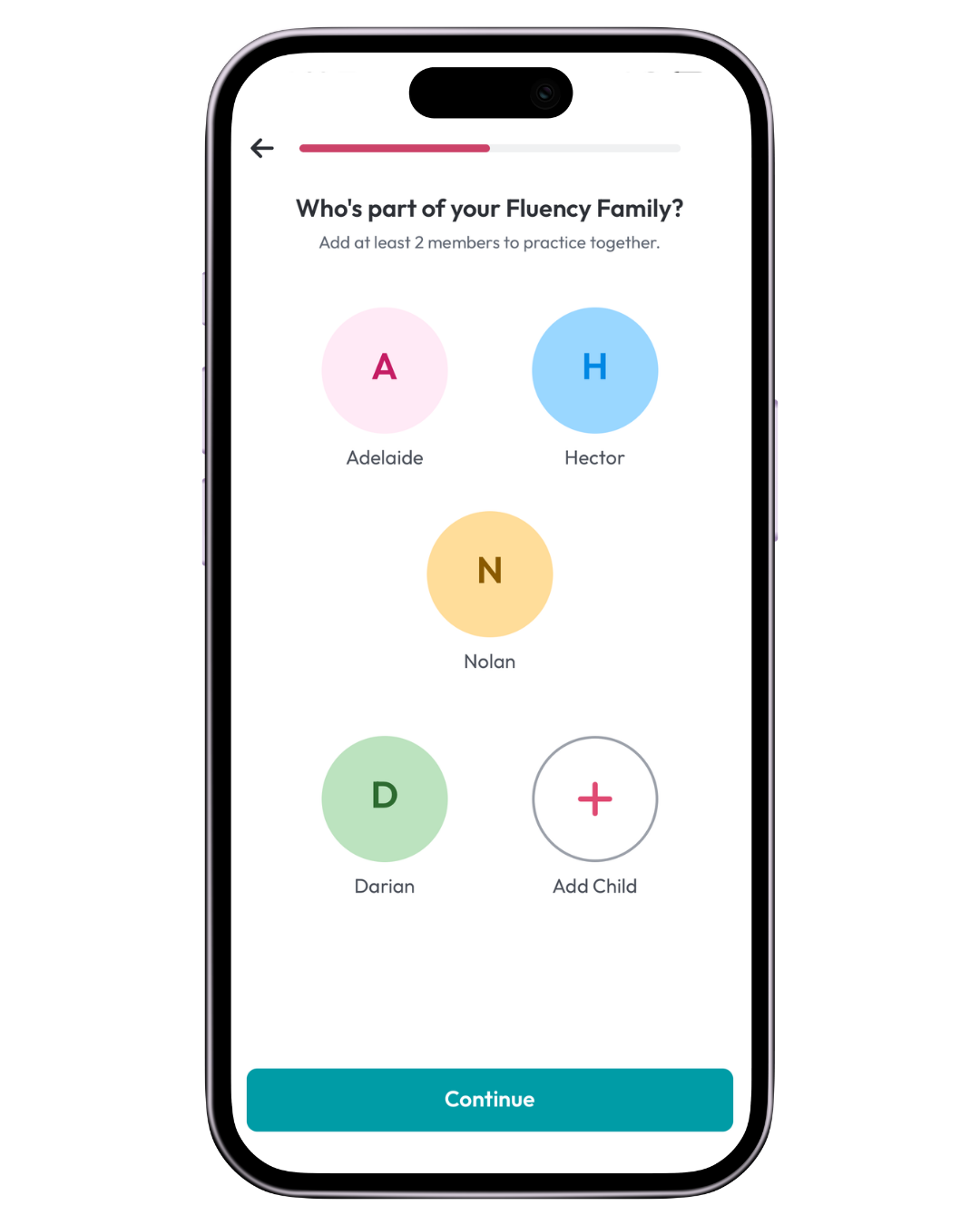
Add the family members who will practice together.
You’ll need to add at least one other family member so there are at least two people in your Fluency Family.
Choose a name and color for each family member.
You can change a family member’s color or update your Fluency Family later.
3. Choose a language
Select the language you’ve purchased.
If you own more than one language, just choose the one you want to start practicing first. Once you get to the Practice screen, you can switch to your other language.
4. Try the sample Practice Session
The app will walk your Fluency Family through a short sample Practice Session so you can see how practicing works.
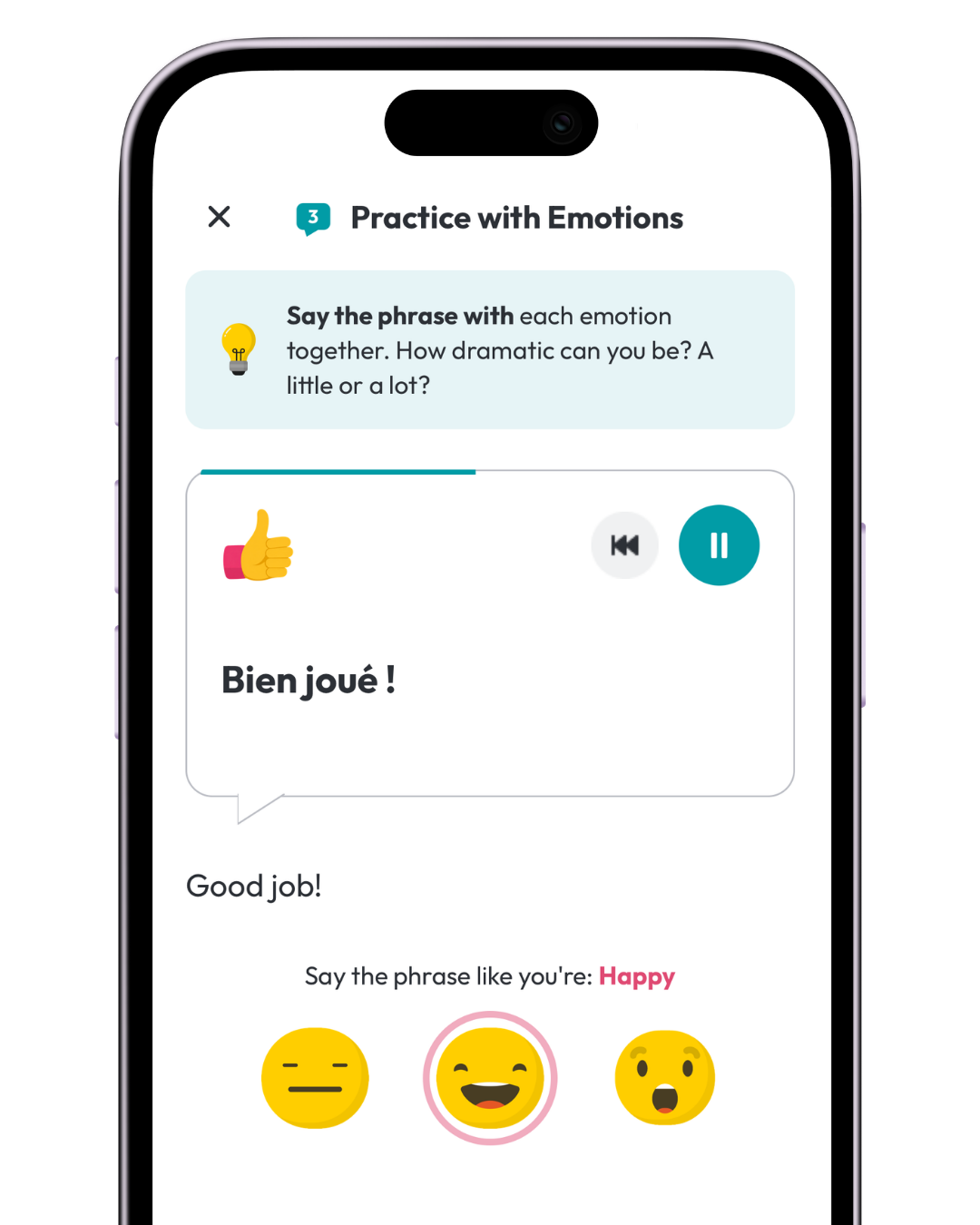
You’ll practice the sample phrase in three ways:
- Practice with the Audio
- Practice in a Situation
- Practice with Emotions
✨ Be sure to play the audio all the way to the end so you can move forward in the Practice Session.
Once you finish, you’re ready to start using your own TalkBox.Mom content.
5. Choose your first phrase
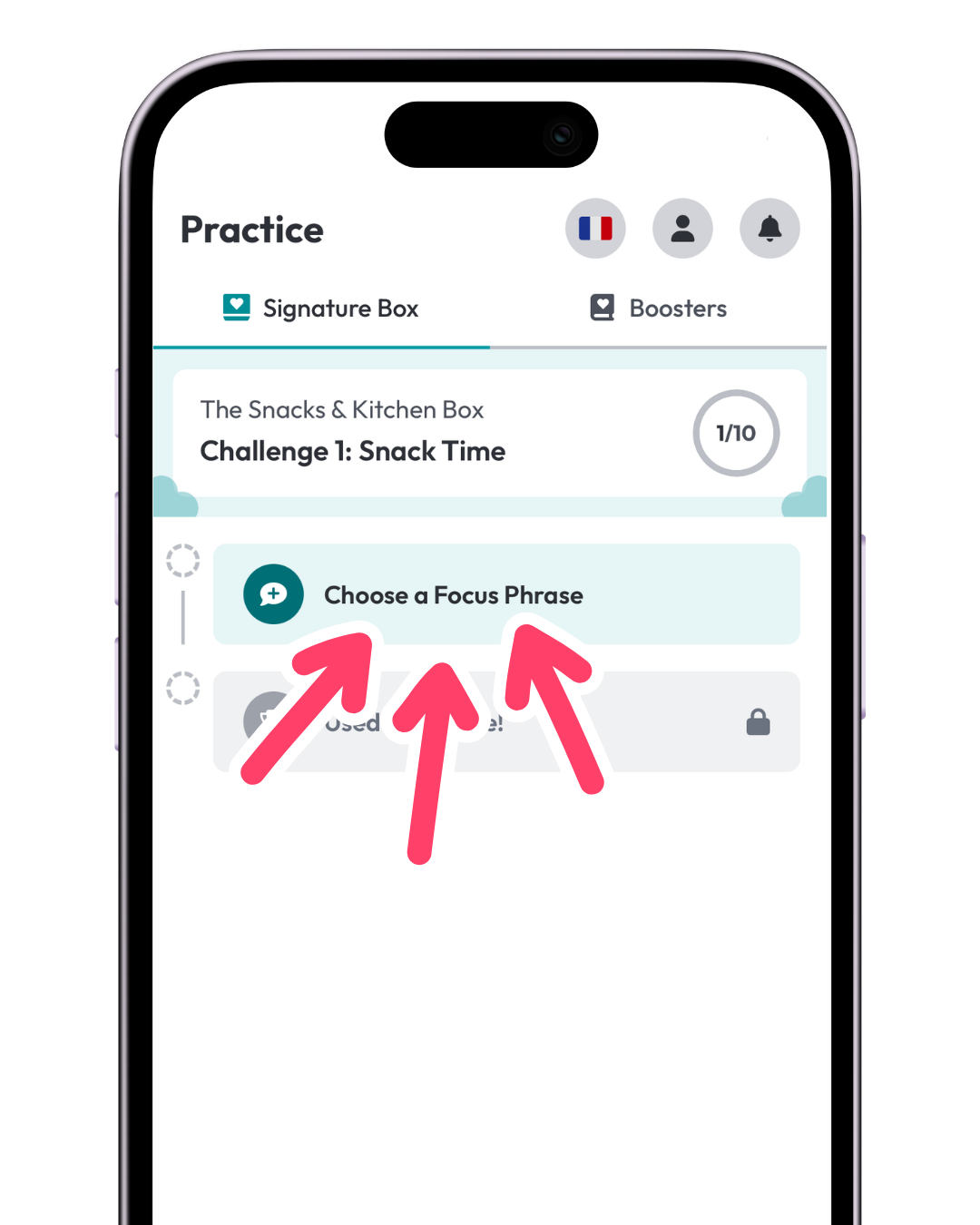
If you own the Box Program:
Stay on Signature Box on the Practice screen and choose your first Focus Phrase.
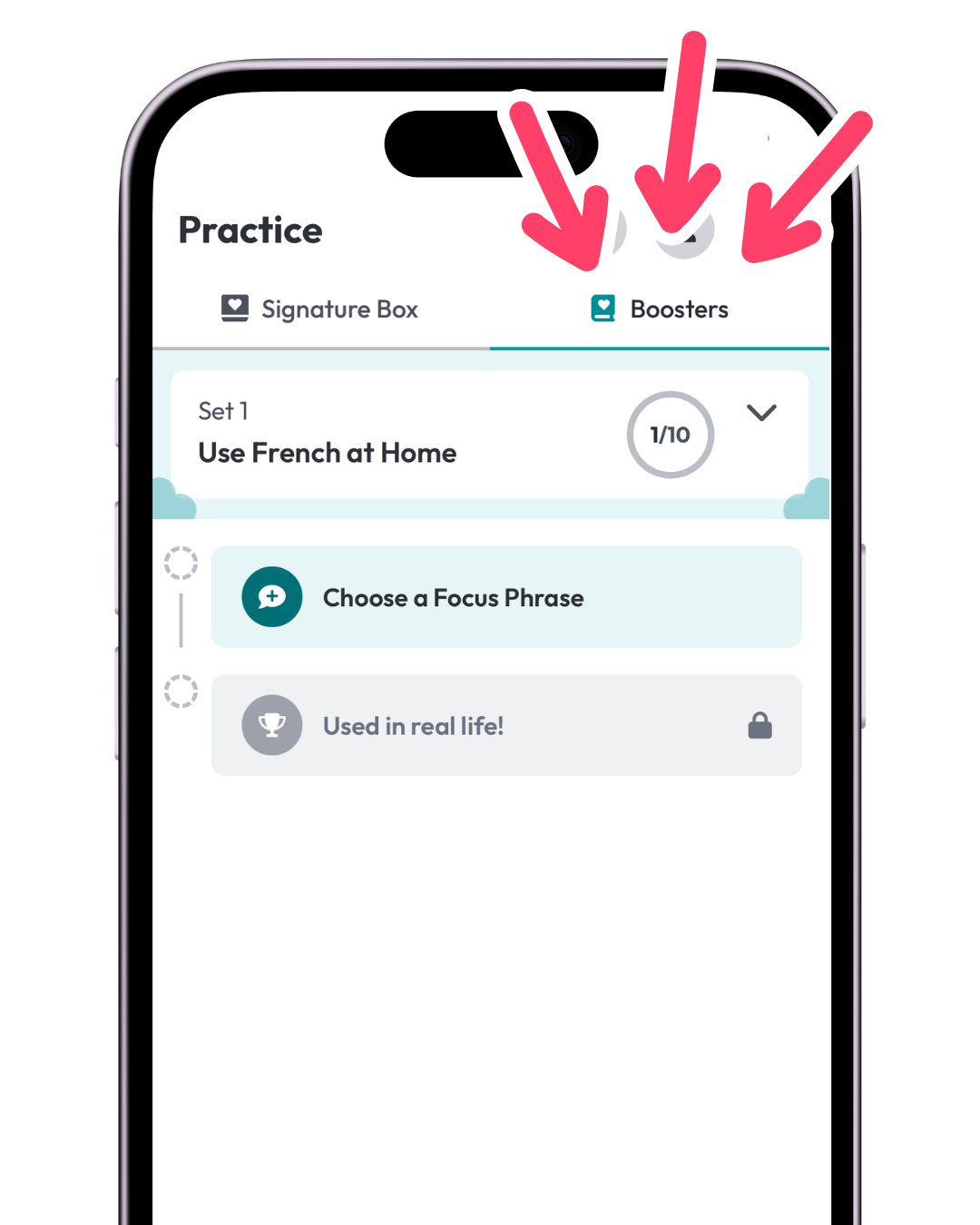
If you own a Booster instead or want to start with the Booster instead:
Tap Boosters on the Practice screen, open the Booster you purchased, and choose a phrase to practice.
Then you’re ready for your first real Practice Session.