
How do I pause my subscription?
Need to take a break? You can pause your subscription at any time with just a few clicks! Here’s how to pause your subscription:
- Log in at talkbox.mom/account
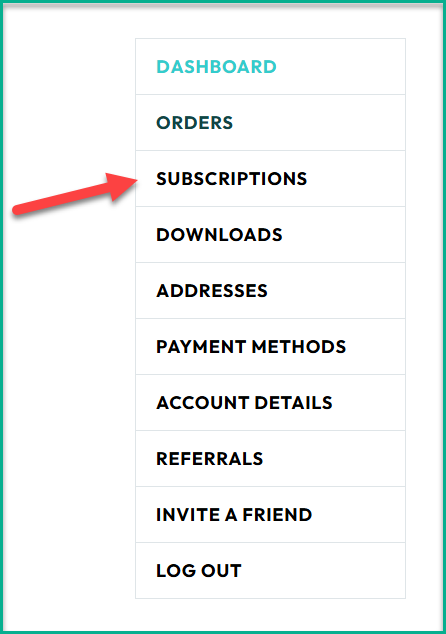
- Click Subscriptions in the left-hand menu
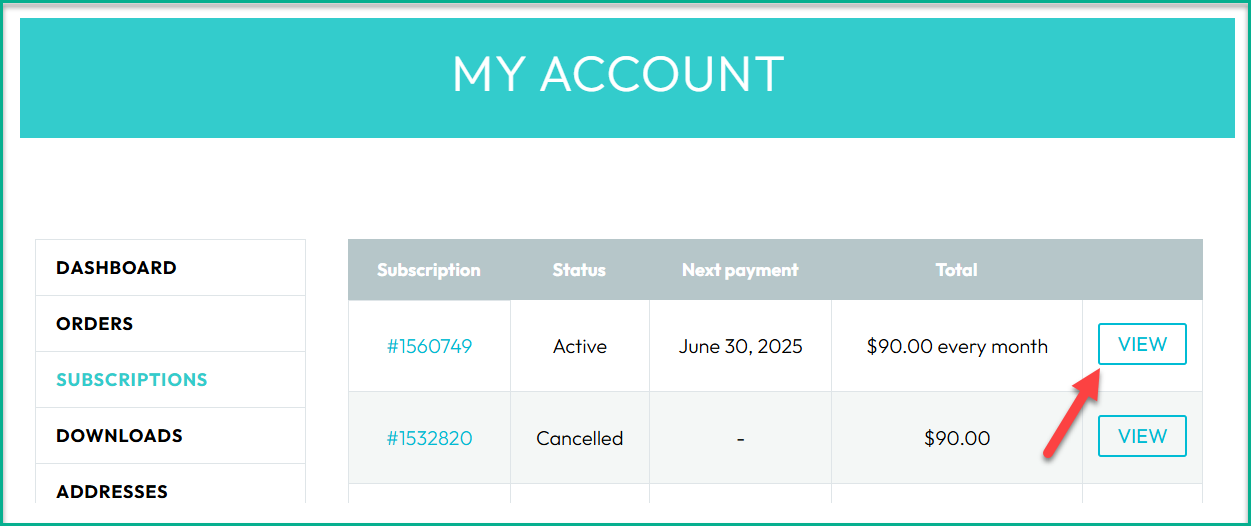
- Click View next to your active subscription
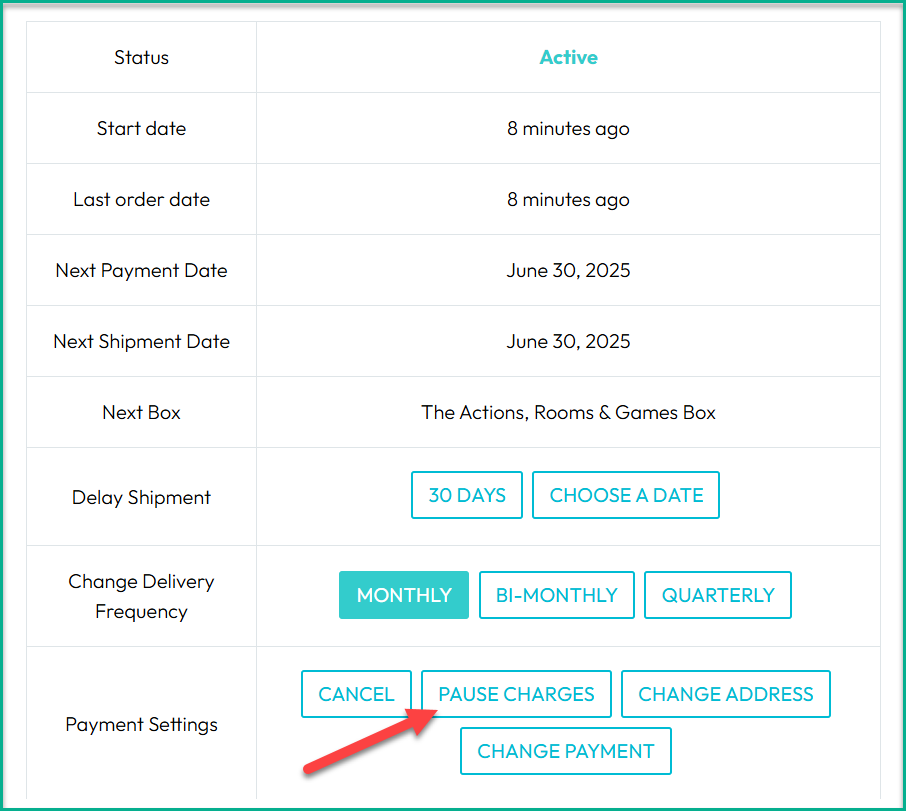
- Click Pause Charges next to Payment Settings
Please be sure to pause before your next payment goes through. Payments that have already been processed can’t be canceled or refunded.
🔔 We send a reminder email 4 days before your subscription renews, so you have time to make any changes or pause before your next payment.
Once your subscription is paused, you won’t be charged again until you’re ready to resume.
📦 Already paid for boxes? You’ll still receive any boxes you’ve already paid for—even if your subscription is paused.
🚚 Heads up: A shipping cost may apply to your prepaid boxes depending on the shipping method you chose when you first ordered.
⚡ Want to adjust your delivery schedule instead of pausing? Here’s how to speed up or slow down your subscription.
When you’re ready to start up again, just log in, go to your subscription, and click Reactivate. Your next box will pick up right where you left off!