
Where can I find phrases I practiced recently?
Tap Recent at the bottom of the app to quickly find Focus Phrases you’ve practiced before.
Use Recent when you remember part of a phrase but need a quick reminder of how to say it.
1. Tap Recent
Tap Recent at the bottom of the app.
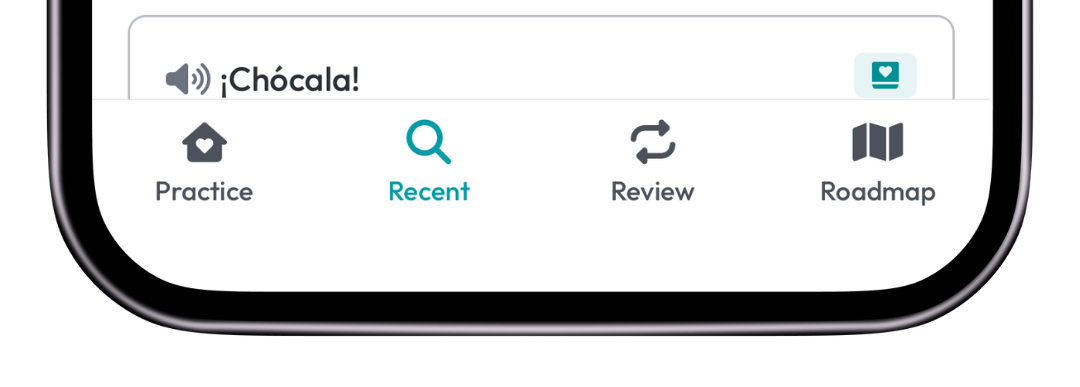
You’ll see all of your past Focus Phrases, grouped by the date they were practiced or logged.
2. Search for the phrase you want
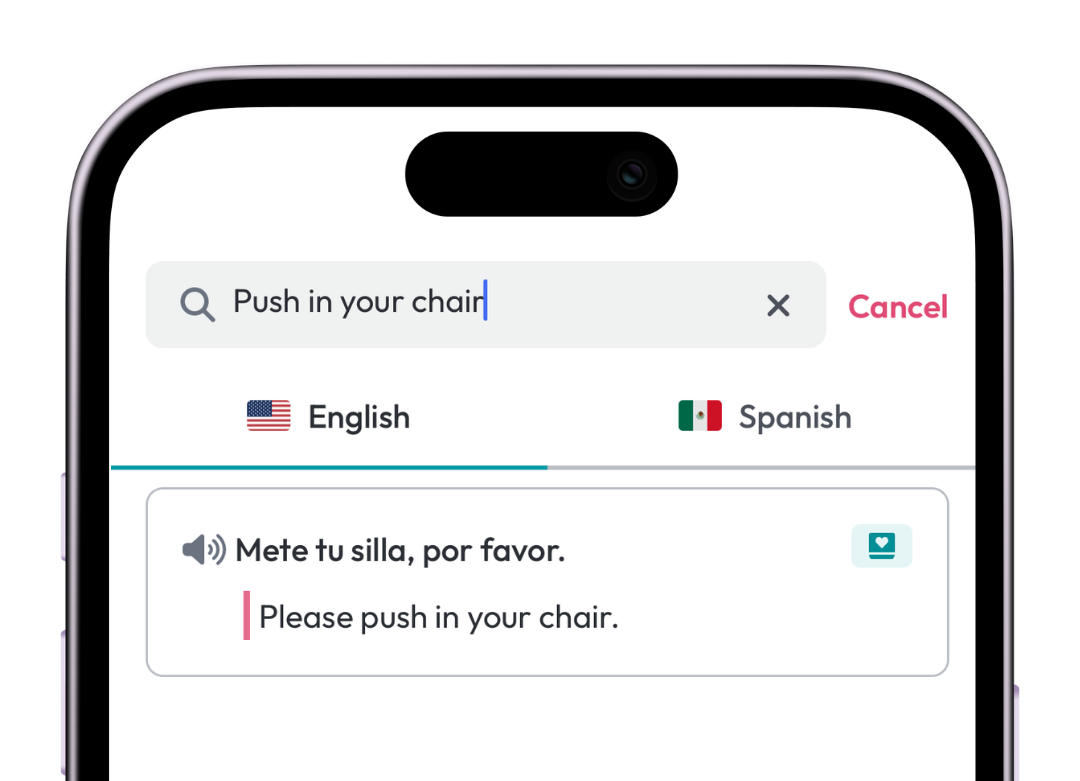
Use the search bar at the top and type a word from the phrase you’re looking for.
This is the fastest way to pull up a phrase without going back through your Challenge or Booster.
3. Play the audio
Once you find the phrase, tap the audio control to hear the native-speaker audio again.
What phrases appear in Recent?
 All of your past Focus Phrases appear in Recent, including phrases you:
- practiced in the app
- logged as past Focus Phrases when setting up your progress
What does the date mean?
The date shows when the phrase was practiced or logged in the app.